On this page
- Before you start
- Step by step
- 1. Check your entry rule first
- 2. Fill in the arrival card, if one applies to you
- 3. Book your first night
- 4. Set up payments before you land
- 5. Plan how you will get online
- 6. Decide on travel insurance
- 7. Run through the full checklist
- If it doesn’t work
- FAQ
- Do I need travel insurance for China?
- Does the visa-free rule cover Hong Kong, Macau and Taiwan?
- When should I do all this?
- Can I just sort everything out at the airport?
- Still stuck?
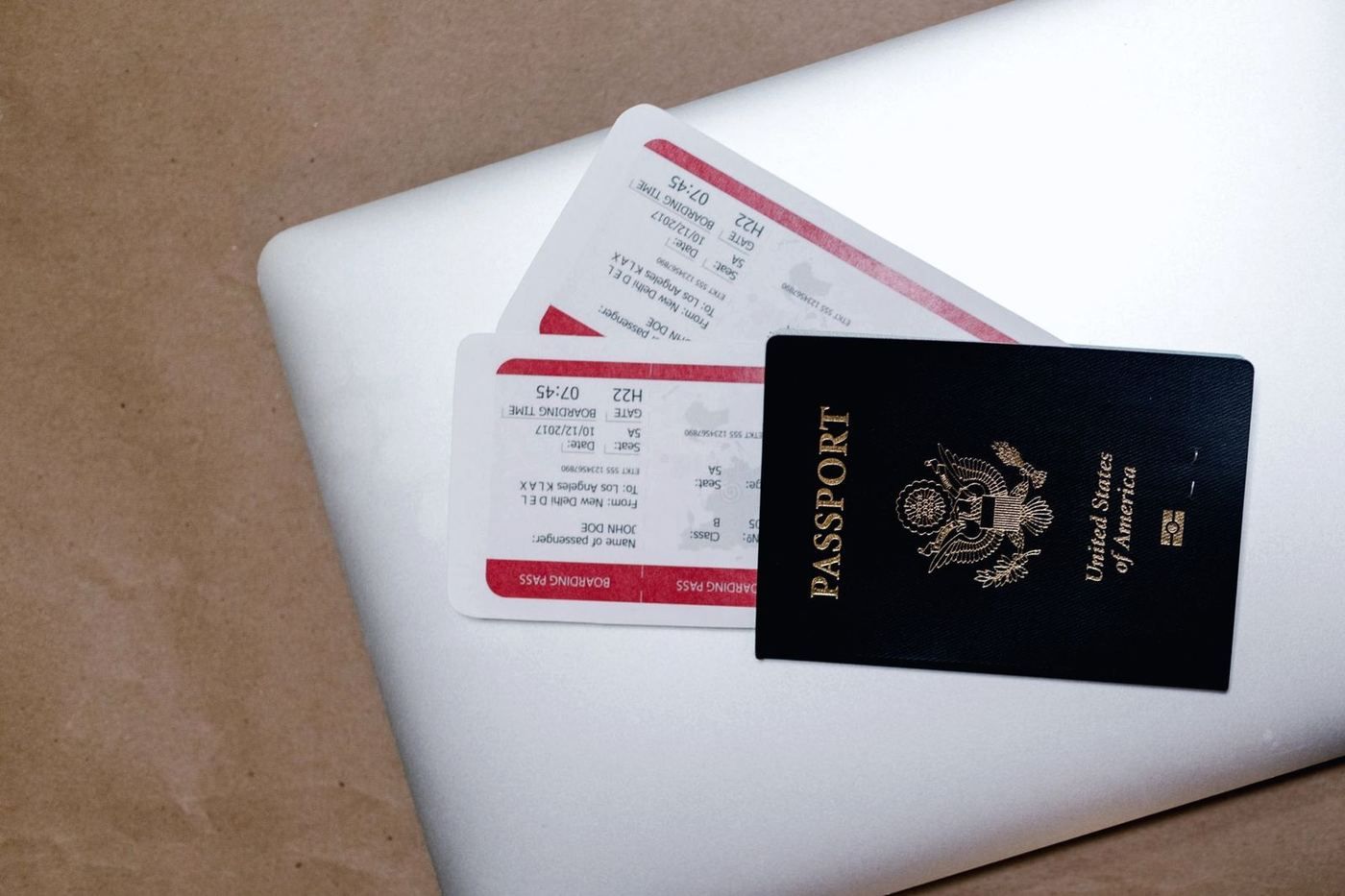
Short answer: Before you fly, do four things. Check your entry rule for your passport. Set up a way to pay and a way to get online. Have a first night booked. Decide on travel insurance. Everything else can wait until you land.
China is easy once these are done. It just works differently from home, so a little prep helps a lot.
Before you start
- Your passport, with enough validity for your trip. Most guides advise at least six months of validity beyond your arrival, plus blank pages for the entry stamp. Confirm the exact rule with your nearest Chinese embassy or consulate.
- A phone you can install apps on.
- A foreign bank card (Visa or Mastercard). You will link it to a payment app.
- About an hour, spread over a few days. Do not leave it all to the airport.
Step by step
1. Check your entry rule first
Do this before you book flights. Whether you need a visa depends on your passport, how long you stay and where you go next.
- Use our China visa-free checker. Pick your passport, your stay length and whether you fly on to a third country.
- Confirm the result with the National Immigration Administration or your nearest Chinese embassy. Rules change often.
- Hong Kong, Macau and Taiwan have separate entry rules. Check them on their own.
I will not guess the rule for you here. It depends on your passport, and it can change.
2. Fill in the arrival card, if one applies to you
Since 20 November 2025, the National Immigration Administration (NIA) has offered an online arrival card for foreigners at all open ports of entry. It is free. You can fill it in before you fly on the NIA website (s.nia.gov.cn), in the “NIA 12367” app, or through the NIA mini-programs in WeChat and Alipay. If you did not do it in advance, devices at the port let you fill it in on arrival.
Use only the official channels. The NIA has warned about fake sites that charge a fee.
3. Book your first night
Border officers may ask where you are staying. Have a booking ready, with the address in front of you.
Trip.com lets you book in English and pay with a foreign card (affiliate link). Its app is called “Trip.com” in the App Store and Google Play.
4. Set up payments before you land
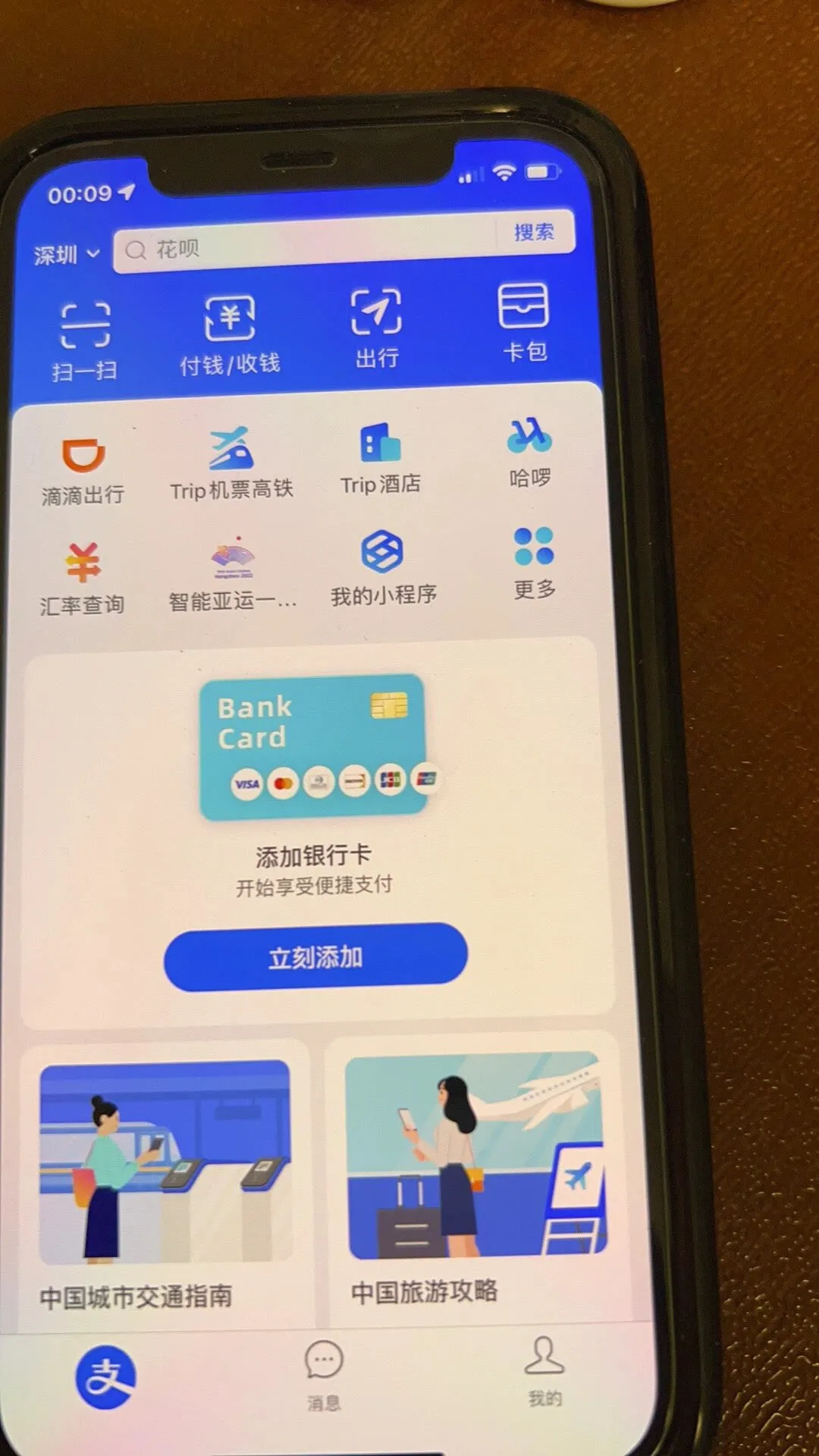
Many places in China expect you to pay by phone. Set up at least one app at home, so you are not working it out in a queue.
- Alipay and WeChat Pay are the two main ones. Search “Alipay” and “WeChat” in the App Store or Google Play.
- Link your foreign card in the app. Do this before you leave. In Alipay, look for the bank cards section in your account or wallet and add your Visa or Mastercard.
- Fees and limits vary. Most travellers report that small payments under about ¥200 carry no Alipay fee and larger ones add around 3%, and that your own bank may add a foreign-transaction fee. Check the terms in the app.
- Keep some backup payment. Do not rely on a single method.
5. Plan how you will get online
Plan your internet before you fly. Decide between an eSIM, a local SIM or roaming, and set it up while you still have home Wi-Fi.
Most travellers report that a local SIM sits behind China’s firewall, so Google, WhatsApp and many Western apps do not load. An eSIM or roaming plan that routes your traffic through your home network usually lets them work. Check what your provider says before you buy.
6. Decide on travel insurance
Visa-free entry does not ask for proof of travel insurance. But a hospital visit as a foreigner is paid upfront, and international clinics in big cities are expensive.
Check first whether your credit card or work policy already covers you. If not, SafetyWing is a simple option for short trips and longer stays (affiliate link).
7. Run through the full checklist
Our trip prep checklist covers the rest, including arrival card, payments and internet. Your ticks are saved in your browser only.
If it doesn’t work
| Problem | Why | Fix |
|---|---|---|
| The checker says you need a visa | The visa-free rule does not cover your passport or stay | Confirm with the NIA or your nearest Chinese embassy before you book anything |
| Your card is declined in a payment app | Card issuers handle foreign cards differently, and some banks block overseas or online payments | Try another card, call your bank to allow it, and keep a backup way to pay |
| An officer asks where you are staying | Border officers may ask | Show your first-night booking with the address |
| You are not sure about a rule | Rules change often | Check the official source, not a forum post |
FAQ
Do I need travel insurance for China?
Visa-free entry does not require it. But hospital visits are paid upfront, so check your credit card or work policy first. If you are not covered, consider a policy such as SafetyWing.
Does the visa-free rule cover Hong Kong, Macau and Taiwan?
No. They have separate entry rules. Check each one before you go.
When should I do all this?
Check your entry rule before you book flights. Do the rest a few days before you fly, while you still have home Wi-Fi and your home phone number.
Can I just sort everything out at the airport?
You can try, but it is stressful. Payments and internet are much easier to set up at home.
Still stuck?
Do it yourself with the steps above — or get help from a real person.
Sources: National Immigration Administration. Some links are affiliate links — see our disclosure.Free China trip checklist + visa rule alerts
We email you only when the rules for your passport change, plus a printable China trip checklist (PDF) right now. No spam, unsubscribe any time.
Almost done: check your inbox and tap the confirm link (look in spam if it isn't there).
Last updated
 WhatsApp: scan with your phone
 WeChat: scan, or save and open in WeChat